
EHR Evaluation Checklist
If you work in a doctor’s office, a clinic, or a hospital, you already know how important health records are....
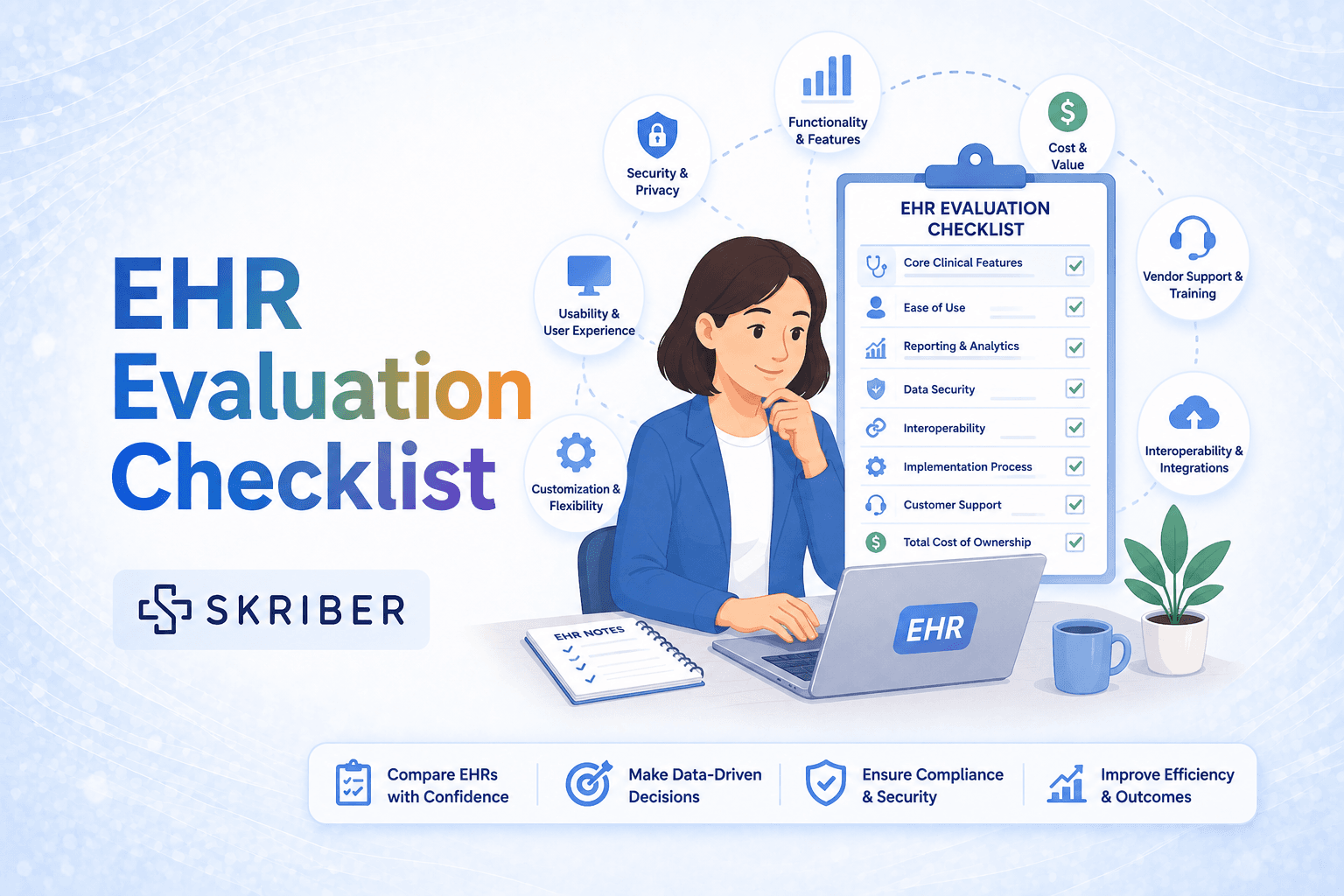
If you work in a doctor’s office, a clinic, or a hospital, you already know how important health records are. Patient charts hold life-saving information: allergies, medicines, test results, and past illnesses. For many years, these records were kept on paper. Paper charts sit in folders. They fill up shelves. They get lost. They are hard to read. That is why most healthcare places now use an Electronic Health Record (EHR) . An EHR is a system that stores patient information digitally. It helps doctors and nurses do their jobs faster and safer. It can send prescriptions to a pharmacy with one click. It can warn you if a new medicine might hurt a patient. It can help you get paid by insurance companies.
But here is the problem: not all EHRs are good. Some are clunky and slow. Some are hard to learn. Some cost too much money. Some do not work well with your lab or your billing system. If you pick the wrong EHR, your staff will be frustrated, your patients will wait longer, and you could even lose money.
That is why you need a plan. You cannot just pick an EHR because a salesperson showed you a pretty demo. You need to ask the right questions. You need to check the right boxes. You need a checklist.
This guide gives you that checklist with clear steps to help you and your team choose the best EHR for your practice.
Here is what you will learn in this guide:
- How to test an EHR before you buy it
- What safety and privacy rules the EHR must follow
- How to make sure your EHR can talk to your other systems (like labs and pharmacies)
- How to figure out the real cost – not just the sticker price
- How to check if the company behind the EHR is reliable
You can use this guide as a worksheet. Print it out. Share it with your team. Take it to sales demos. Mark your answers. Compare different EHR systems side by side.
Choosing an EHR is a big decision. It affects every person in your office – from the front desk to the doctors to the billing team. But with the right checklist, you can make a smart choice. You can find a system that saves time, reduces stress, and helps you take better care of your patients.
Let’s get started.
Why You Need an EHR Evaluation Checklist
An EHR evaluation checklist is like a roadmap. It helps you stay on track and not get lost while looking at all the different software options.
You wouldn’t buy a car without checking the engine, the tires, and the brakes. The same goes for an EHR. The checklist is your tool to make sure the system is:
- Usable: Can your staff actually use it without getting frustrated?
- Safe: Does it protect patient data and help prevent mistakes?
- Connected: Can it talk to your other systems like labs and pharmacies?
- Effective: Does it help you get paid and follow the rules?
If you skip the checklist, you might end up with an EHR that doesn’t fit your needs. This can lead to “alert fatigue” (too many warnings that your staff starts ignoring) and cluttered screens that are hard to read. You don’t want that.
Clinical Workflows & Daily Use
This is the heart of the checklist. How will the EHR work in your practice every single day? You need to test this before you buy.
How to Test the System
Don’t just look at a slideshow. Set up a “test drive” or a demo. Give the vendor a list of your most common tasks and watch them perform them in real time. For example, have them:
- Create a new patient record from scratch.
- Enter a patient’s current medications, allergies, and medical history.
- Document a visit for a common problem like a sore throat or high blood pressure.
- Write an electronic prescription (e-prescribe) and send it to a pharmacy.
If the tasks take a long time or involve many clicks, the system is not user-friendly.
10 Questions for Your Clinical Workflow Checklist
- ☐ Does the system verify patient insurance eligibility before the visit? This saves your front desk from doing it manually.
- ☐ Does it show the patient’s co-pay or deductible automatically? This helps you collect payments at the front desk.
- ☐ Can staff scan insurance cards to pull up the patient’s information? Typing it all in is a waste of time.
- ☐ Does the system catch billing errors before you send the claim? Clean claims mean you get paid faster.
- ☐ Can the system show you care gaps (like missed mammograms or blood tests) during the patient’s visit? This is crucial for quality care.
- ☐ Does it support tracking for quality measures like HEDIS or Stars? These can affect your practice’s payments under value-based care.
- ☐ Does the drug database help doctors prescribe safely? It should show warnings if a new drug might hurt the patient.
- ☐ Can the system adjust its alerts based on the patient’s age, weight, or health problems? This cuts down on annoying, irrelevant warnings.
- ☐ Does the system fit the specific needs of your specialty (e.g., optometry, cardiology, pediatrics)? Don’t settle for a one-size-fits-all system.
- ☐ Does the system help reduce the time you spend typing notes? Look for features like voice dictation or smart templates.
Regulatory Compliance (Following the Rules)
Healthcare has strict rules to protect patient data. In the US, the big rule is called HIPAA (the Health Insurance Portability and Accountability Act). Your EHR must help you follow this law.
The law has a “Security Rule” that requires your EHR to protect electronic Personal Health Information (e-PHI). If your EHR doesn’t meet these standards, you could face big fines.
7 Questions for Your Compliance Checklist
- ☐ Is the EHR software officially “Certified EHR Technology”? This means it meets the basic government requirements for safety and security.
- ☐ Does the system have strong access controls? This means only the right people (like doctors and nurses) can see sensitive patient records.
- ☐ Does the system require unique user IDs for every single staff member? No shared logins! You need to know exactly who is looking at the records.
- ☐ Does the system have an “audit trail”? This is a digital log that shows who accessed a patient’s record, when, and what they did (view, edit, delete). This is required by law.
- ☐ Does the system keep these audit logs for at least six years? That’s the HIPAA recordkeeping requirement.
- ☐ Does the system encrypt (scramble) patient data so hackers can’t read it? This is a must for any data that leaves your office, like when you share it with another doctor.
- ☐ Does the system allow for “emergency access” to records? You need to be able to get critical information during a natural disaster or system outage.
💡 Pro Tip: Ask the EHR vendor for their Business Associate Agreement (BAA). This is a contract where they promise to protect your patient data just as carefully as you do.
Data Security & Privacy
Even beyond government rules, you want an EHR that is tough against cyber attacks. A data breach can destroy your patients’ trust.
6 Questions for Your Security Checklist
- ☐ Does the system have an “audit trail” that cannot be altered? An “immutable” or unchangeable log is the gold standard for proving what happened to the data.
- ☐ Does the system flag suspicious activity? For example, if a staff member tries to look at a celebrity’s record, the system should issue a warning.
- ☐ Is the system hosted in a secure data center (the cloud) with backups? You don’t want to lose all your data if a server crashes.
- ☐ Does the EHR automatically log users out after a period of inactivity? This prevents someone from snooping at an unattended computer.
- ☐ Is the vendor transparent about their security practices? Ask for their third-party security audit results.
- ☐ Does the vendor have a plan for what happens if they are hacked? They should notify you immediately.
Interoperability (Making Systems Talk)
Your EHR cannot be a lonely island. It needs to talk to your other computer systems, like your labs, pharmacies, and radiology imaging systems. This ability to share information is called interoperability. It is a major focus of new healthcare laws, like the European Health Data Space (EHDS).
The Standard You Need to Know: HL7 FHIR
Most new, good EHRs use a standard called HL7 FHIR (Fast Healthcare Interoperability Resources). Think of FHIR as a universal language that allows different computer systems to share health data quickly and securely. If an EHR claims to be modern and connected, ask if they support HL7 FHIR APIs.
7 Questions for Your Interoperability Checklist
- ☐ Can the EHR directly connect to your lab system to automatically bring in results? No one wants to type in lab numbers by hand.
- ☐ Can it connect to your pharmacy system to manage medication orders?
- ☐ Can it connect to your billing and practice management system? This creates a smoother revenue cycle.
- ☐ Can it securely share patient problem lists, medication lists, and allergies with other providers (like a hospital)?
- ☐ Does the vendor offer built-in connections to major insurance payers? This simplifies the process of checking eligibility and submitting claims.
- ☐ Do you have to log into separate portals to get payer information, or does it show up inside your EHR automatically?
- ☐ For the future, can the EHR connect to mobile apps, wearables, or patient-generated health data?
Usability & User Experience
Usability is just a fancy word for “how easy is it to use?” If an EHR is hard to use, your doctors and nurses will hate it. They might even try to find workarounds, which can lead to mistakes.
7 Questions for Your Usability Checklist
- ☐ Is the screen layout clean and not cluttered? You should be able to find things without scrolling forever.
- ☐ Does the system feel intuitive? Can a new staff member figure out how to do basic tasks without a long manual?
- ☐ Is the system customizable? A surgeon’s screen should look different from a receptionist’s screen. The system should fit your team’s roles.
- ☐ Did the vendor conduct usability testing with real doctors and nurses? Ask for their data on how easy the system is to learn.
- ☐ Does the system offer “context-aware defaults”? That means the system learns that you usually order a standard dose of Tylenol for a headache and pre-fills the prescription for you.
- ☐ Is the font size readable, and are the buttons easy to click?
- ☐ Are color-coding and visual cues used to help you prioritize tasks (e.g., red for urgent lab results)?
Cost & Total Value
Don’t just look at the purchase price. You need to think about the Total Cost of Ownership (TCO) . This is the full price of owning the EHR over several years.
5 Questions for Your Cost Checklist
- ☐ What is the upfront, one-time cost? (This often includes hardware, software licenses, and initial training).
- ☐ What is the recurring monthly or yearly subscription fee?
- ☐ Are there extra fees for every user, or just a set price?
- ☐ How much does customer support cost? Is it included, or do you pay per call?
- ☐ Are there hidden costs for upgrades, data migration, or training new staff? Get all of these answers in writing.
💡 Pro Tip: Do the math. A slightly more expensive EHR that saves your staff 10 hours a week in manual work is actually a better deal than a cheaper system that slows everyone down.
Vendor Evaluation (The Company Behind the Software)
You are not just buying software. You are entering a long-term partnership with a company. You need to know they will be there for you when things go wrong.
8 Questions for Your Vendor Evaluation Checklist
- ☐ Does the vendor offer comprehensive training? Do they have online classes, in-person sessions, and written guides? Good training reduces errors.
- ☐ Is there 24/7 customer support? Healthcare happens at all hours. You need help when you are working nights or weekends.
- ☐ How quickly does the support team usually answer the phone? Ask for their average response time.
- ☐ Does the vendor have a proven track record with practices like yours? Ask them for references from other doctors in your specialty.
- ☐ Is the vendor financially stable? Are they growing, or are they likely to go out of business?
- ☐ How does the vendor handle software updates? Do they send them automatically (good) or do you need to install them manually (bad)?
- ☐ Does the vendor have a clear product roadmap? Ask them: What new features are you working on for next year? You want a vendor that innovates.
- ☐ Can the vendor provide training materials in your local language and for different skill levels?
Data Migration (Moving Your Old Records)
If you are switching from an old EHR or from paper charts, you need to move all your historical data into the new system. This process is called data migration. If this is done badly, you can lose critical patient information.
7 Questions for Your Data Migration Checklist
- ☐ Does the vendor have a formal plan for data migration? They shouldn’t just “wing it”.
- ☐ Who is responsible for cleaning up the old data? This means merging duplicate patient records and fixing typos before the move.
- ☐ Does the vendor help you map your old data to the new system? You need to ensure that the “Blood Pressure” field in your old system goes to the “Blood Pressure” field in the new system.
- ☐ What is the timeline for the data migration? This project should have clear deadlines (also called milestones).
- ☐ Will there be a test migration before the real one? You should run a test with dummy data first to find problems before moving real patient records.
- ☐ Who is responsible for the integrity (accuracy) of the data after the move? Is it you or the vendor? Get this in writing.
- ☐ How long will you keep the old system active after you switch? You need a safety net in case you need to look up an old record that didn’t move correctly.
Making the Final Decision
By now, you have gathered a lot of information. It’s time to sit down with your team and compare your options.
3 Questions for Your Final Checklist
- ☐ Did you include the people who will actually use the system in the decision? If you don’t include your nurses and front desk staff, they may reject the new system.
- ☐ Did you get feedback from references that the vendor gave you? But more importantly, did you find your own references (like a local doctor) to ask for their real opinion?
- ☐ Did you create a scoring matrix? This is a simple spreadsheet where you list all your checklist items and assign a score (1-5) to each EHR vendor. The one with the highest total score wins.
Sample EHR Evaluation Checklist (Short Version)
Here is a simple, one-page checklist you can print out and use for each EHR vendor you are considering.
| Category | Critical Question | Yes (✓) | No (✗) |
|---|---|---|---|
| Clinical Use | Can we test the system with our real patient scenarios before we buy? | ||
| Clinical Use | Does e-prescribing work smoothly and safely? | ||
| Compliance | Is the system officially “Certified EHR Technology”? | ||
| Compliance | Does the system create an audit trail for every record view? | ||
| Security | Is all patient data encrypted (protected) on the server? | ||
| Interoperability | Can the system automatically import lab results from our lab? | ||
| Usability | Is the system easy enough that new staff can learn it in 2 days? | ||
| Vendor | Does the vendor offer 24/7 phone support? | ||
| Vendor | Can we talk to 3 other doctors who use this system? | ||
| Cost | Does the price include data migration and ongoing training? | ||
| Cost | Did we calculate the total cost for the next 5 years? |
Conclusion: Your Next Steps
Choosing an EHR is a team sport. Do not let one person (like the office manager or lead doctor) pick the system alone.
- Print this guide. Pass it around to your team.
- Invite 3 EHR vendors to give a demo. Use this checklist to score them.
- Ask for references. Call those references and use the checklist to ask about their real-life experience.
- Run a pilot test. If possible, get a trial version of the top-choice EHR and have your staff use it on test patients for one week.
- Trust your gut. If a system scores well on paper but your team hates using it, look for another option.
A good EHR doesn’t just hold data. It actively helps you reduce stress, get paid, and stay focused on patient care. Take your time, use your checklist, and find the partner that will help your practice thrive for the next ten years.