
How to Write SOAP Notes for Telehealth Visits
A practical telehealth documentation workflow: capture both sides, label reported and observed information, state remote exam limits, and review the note before EHR handoff.
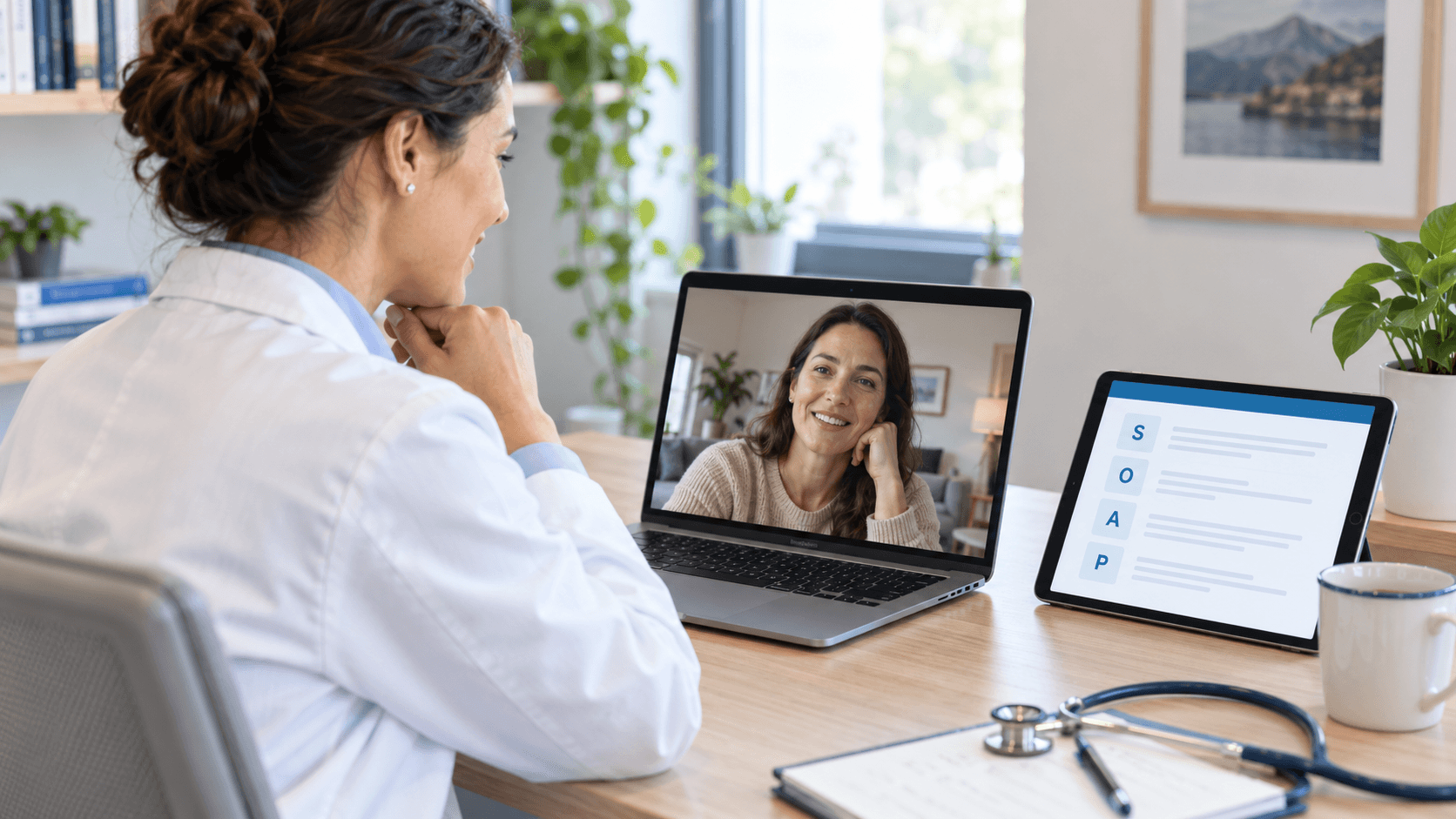
A telehealth SOAP note should help the next reader understand what the patient reported, what the clinician could observe remotely, and what the encounter could not establish. The headings alone cannot make those distinctions. A home measurement, a video observation, and an examination that was not performed need different descriptions.
Start with the visit context, identify the source of each detail, and make remote assessment limits visible. Then document the clinician's actual reasoning and plan. The workflow below combines a practical note outline, a fictional teaching excerpt, and checks for an AI-assisted draft.
Record the context that changes how the note should be read
The AAFP's telehealth guidance highlights modality, patient location, consent, examination limits, history, observations, reasoning, and next steps. Use your practice's approved workflow to capture the details that apply to the encounter:
- Identity and locations: Record the identity-verification and location information required by that workflow. Do not fill these fields from assumptions or a previous visit.
- Modality: State whether the encounter used audio and video or audio only. Record a switch from video to telephone when it affects what was available to assess.
- Participants: Identify relevant caregivers, interpreters, or other participants and their roles, following your practice's documentation process.
- Consent and recording: Complete the applicable consent process and document what actually occurred. Permission to participate in a visit and approval to record it are separate workflow questions.
- Technical limits: Describe interruptions, missing audio, poor visibility, or other problems that affected the history or assessment.
HHS privacy guidance addresses recording consent and secure handling separately from the general visit workflow. Follow the approved process before recording. A template field does not establish that consent was obtained, and completing this outline does not establish reimbursement eligibility.
Keep the source of each detail visible inside SOAP
Subjective: preserve who supplied the history
Attribute symptoms, timing, medication information, and other history to the person who supplied them. If a caregiver supplies a detail, preserve that attribution. If an item was not discussed or verified, do not turn the empty field into a negative finding such as no allergies or no medications.
Objective: distinguish observation, home measurement, and unavailable assessment
HHS guidance on remote examinations recommends documenting observations, activities the patient performed, and assessments limited by unavailable equipment. Apply that distinction to the wording of the note.
- Observed remotely: Describe what the clinician actually saw or heard through the available connection.
- Measured or reported by the patient: Identify the source, device, and timing when known. A reported home reading is different from a measurement obtained by clinic staff.
- Not assessed: State the relevant limitation. An audio-only encounter does not provide video findings; a video image does not establish a hands-on examination.
Use your practice's note conventions for section placement while retaining the source of the information. Avoid a broad phrase such as virtual exam normal when it obscures what was actually assessed.
Assessment and Plan: retain the clinician's decisions
The assessment should reflect the clinician's actual interpretation, including relevant uncertainty and the effect of remote assessment limits. The plan should reflect the actual decisions, instructions, follow-up, and any escalation or in-person evaluation discussed. A template or generated draft cannot supply clinical decisions that were never provided.
A fictional excerpt: separate the supplied facts from the gaps
Synthetic documentation exercise. Every detail below is invented. This is an incomplete teaching example for checking documentation fidelity, not a treatment recommendation or a demonstration of generated Skriber output.
Imagine that the only supplied encounter information is:
- The visit began with audio and video.
- The fictional adult says, “My right shoulder has been sore since Monday. My home thermometer read 98.4°F before the call.”
- The clinician states that the patient was visible seated on screen. The video connection then failed, and no further examination is included in this exercise.
- No identity-verification details, locations, consent record, medication review, assessment, or plan are supplied.
A source-faithful teaching excerpt could read:
Encounter context: Audio-video connection initially available; video subsequently failed. Other encounter-context fields are not supplied in this exercise.
Subjective: Reports right shoulder soreness since Monday. Reports a home thermometer reading of 98.4°F before the call.
Objective: Seen seated on video before the connection failed. No further examination findings are supplied.
Assessment: Not supplied. Clinician assessment required.
Plan: Not supplied. Actual next steps and follow-up required from the clinician.
Check what the excerpt leaves open. The reported temperature does not become a clinic-measured vital sign. The camera view does not establish normal shoulder strength, a palpation finding, or a diagnosis. The missing consent information does not become an attestation that permission was obtained.
The empty Assessment and Plan make this excerpt incomplete. In a real encounter, the clinician must document the decisions actually made and resolve missing context through the practice's workflow. Do not copy a teaching example into a patient chart or add a statement that someone reviewed or signed it when that did not occur.
Check that the recording captures both sides
Being able to hear a patient through your headset does not establish that the recording device can hear them. Before relying on an AI-assisted telehealth workflow, run a short test using invented conversation and check that both speakers are captured.
The current Skriber telehealth setup guide describes a Zoom connection when that option is available. For other video platforms, it describes speaker audio or a second recording device in an approved private setup. Headphones can prevent the patient's voice from reaching the microphone. For telephone visits, the guide describes speakerphone with a second recording device and cautions against assuming one phone will reliably capture both sides.
Use the recommended device and browser setup, test the exact arrangement, and allow the upload to finish. Follow your practice's recording and consent procedures for the tested setup. For a broader comparison of capture methods, see our medical dictation versus ambient scribe guide.
Review the draft for remote-visit errors
Use the encounter information to check the entire draft, rather than treating complete-looking sections as proof of completeness:
- Check the source. Confirm who reported each detail and whether a measurement came from a home device or clinical staff.
- Check modality and interruptions. Make sure the note reflects what audio or video was available and any consequential change in the connection.
- Remove unsupported findings. Look for carried-over in-person examination text, assumed normal findings, and facts that neither the encounter nor the clinician supplied.
- Resolve missing reasoning and plans. Supply the clinician's actual assessment and decisions; do not ask a tool to invent them to fill the headings.
- Check factual wording. Confirm laterality, timing, negation, measurements, and participant attribution before the note reaches the chart.
A recording may also omit something the clinician observed silently. Add accurate information through the approved documentation workflow, then review the resulting note again. A line saying reviewed and signed should describe a completed human action, not serve as a default template statement.
Verify the final note in the EHR
Skriber's Copy Note guide supports copying the full note or an individual section. Confirm the correct patient and encounter, paste into the intended field, and check the clinical content, headings, and spacing before signing. A section copy may omit its heading.
EHR Sync is an optional workflow for supported configurations and account setups. Confirm its availability rather than assuming automatic transfer. The clinician's final review still applies to the content in the EHR.
Try a telehealth documentation exercise
Use two fictional speakers, a clearly identified home reading, and a deliberate connection limitation. Check what the recording captures and whether the draft preserves each source and leaves unsupported information out. Use a practice-approved test destination for any handoff exercise.
Try Skriber with a fictional encounter or ask about your practice's telehealth workflow. Bring the note structure you need and evaluate the capture, review, and handoff steps separately.